
Your next print.
And every idea
after that.
One membership. Every digital STL model and pack. Choose your time, explore the library, and make room for your next favorite project.
Find your planOne-time payment · No automatic renewal · Personal use
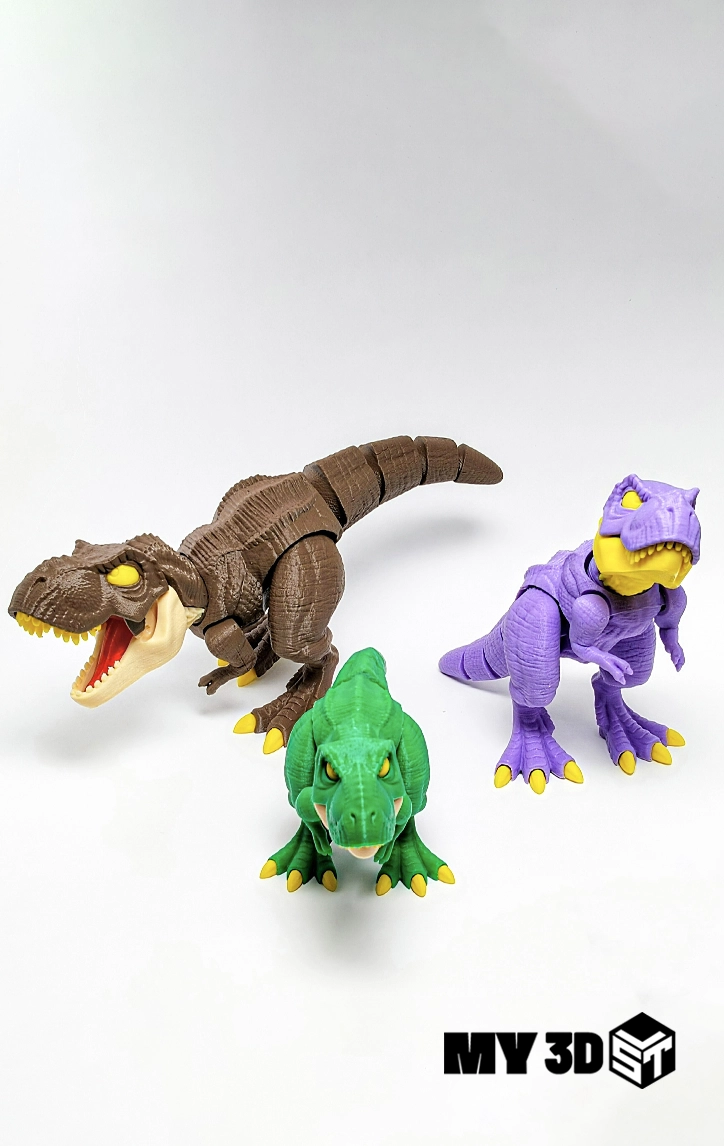
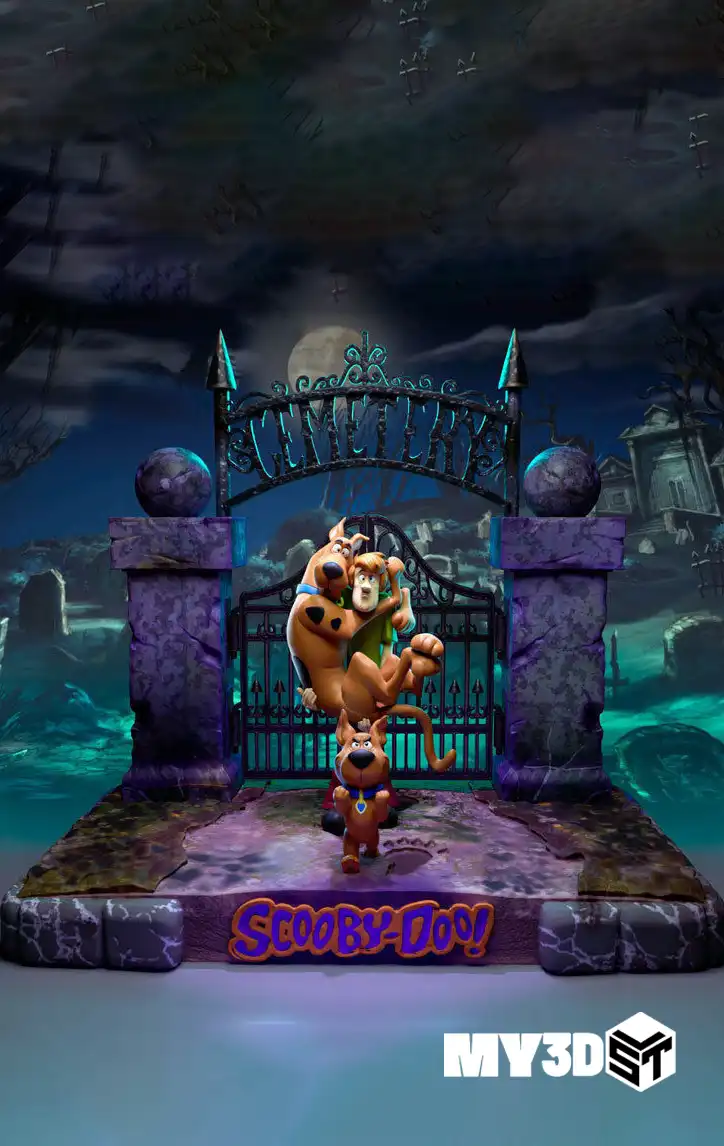
Catalog previews
Membership plans.
One clear choice.
The same library access with every plan. Simply choose how long you want to create.
Monthly
Make a start. Find your favorites.
One payment of $49.
Access for one month.
- All individual STL models
- All STL packs & mega bundles
- Unlimited downloads while active
- New models and packs included
- Personal-use printing
6 Months
Keep your next projects lined up.
One payment of $99.
Equivalent to $16.50 per month.
- All individual STL models
- All STL packs & mega bundles
- Unlimited downloads while active
- New models and packs included
- Personal-use printing
Yearly
A full year of creative possibilities.
One payment of $160.
Equivalent to about $13.33 per month.
- All individual STL models
- All STL packs & mega bundles
- Unlimited downloads while active
- New models and packs included
- Personal-use printing
Pay once for your chosen period. Access expires at the end of that period; renew manually whenever you want to continue. Monthly equivalents are for comparison only. No automatic charges.
Find your thing.
Then find your next thing.
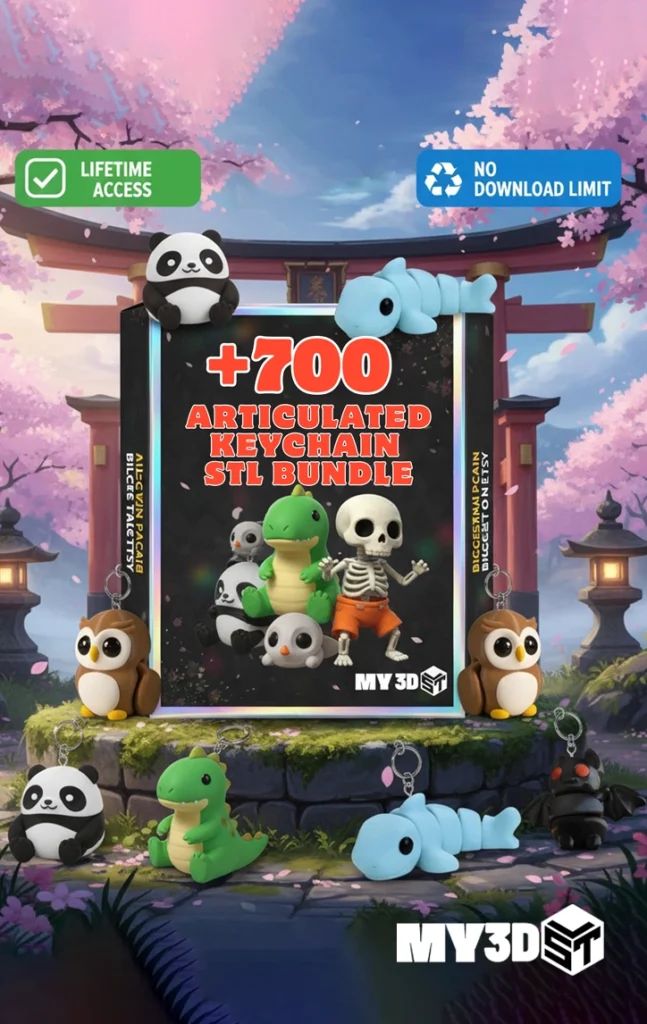
Explore all digital STL models, individual designs, packs and mega bundles, including the +5000 Mini Flexi Animals bundle. New models and packs are included while your membership is active.
Three steps to your next project.
Pick your duration
Choose one, six or twelve months and complete your membership purchase.
Make your shortlist
Browse the models and bundles in your favorite categories. Add the files you want to your cart.
Bring the ideas home
Complete the $0 checkout while your membership is active. Find your files in My Account → Downloads.
Which products are included?
All digital STL models, STL Packs and mega bundles are included, including +5000 Mini Flexi Animals. The membership plan itself is purchased separately.
Do all three plans include the same library?
Yes. Every plan includes the same library access. The difference is how long your membership remains active.
Are new models included?
Yes. New individual models and bundles are included while your membership is active.
Will I be charged automatically?
No. Each plan is a one-time payment. When your paid period ends, you can buy a new membership yourself. There are no automatic renewal charges.
What happens when my membership ends?
Access to new membership downloads ends when the paid period expires. Previously downloaded files remain subject to their personal-use license.
Can I sell the files or printed models?
Membership is for personal use only. It does not grant a commercial license or permission to redistribute digital files.
Will you ship anything to me?
No. This is a membership for downloadable digital 3D printing files. No physical models or materials are shipped.
Your next favorite print is waiting.
Choose your time. Start exploring.
Membership guide: choosing a plan, downloading files, and preparing your projects
Table of Contents
Plan your MY3DSTL membership projects
A membership works best when you know how you want to use your access period. Make a shortlist of models, compare their requirements with your printer, and choose a duration that suits your plans. All three options on this page provide the same library access; the main difference is how long that access remains active.
Choose your access period
The monthly plan costs $49 for one month, the six-month plan costs $99 for six months, and the yearly plan costs $160 for twelve months. These are one-time payments for the stated periods. Monthly equivalents shown above are comparisons, rather than separate monthly charges for the longer plans. Review the final checkout before paying.
Choose a shorter membership when you want time to explore a few projects. A longer period may suit a larger project list or a printing schedule spread across several months. Consider the time your own printer needs, your material budget, and any assembly or finishing work. Access to more models does not remove those practical limits.
Build a realistic shortlist
Browse the catalog and note the individual models and packs you want to try. Compare dimensions, number of parts, and any support information in each listing. Start with a manageable project before preparing a larger batch. Keep the product name with your downloaded files so you can return to the description and identify the correct version later.
How to download while your membership is active
Sign in with the member account used for your purchase. Browse the included models or packs, add your chosen files to the cart, and complete the eligible $0 checkout described above. Find the resulting files under My Account → Downloads. Check that you are signed in and that your access period is still active if a product does not appear as expected.
If an order remains unpaid or membership access does not appear after confirmed payment, contact support with the relevant order number. Do not purchase a second plan simply to troubleshoot access. Describe which account and product are affected without sharing your password or payment-card information. The support team can then investigate the specific order.
Keep downloads organized
A delivery may include an archive or a document containing download instructions. Keep an untouched original and extract a working copy with compatible software. Retain folder names and any assembly instructions. Save your slicer project separately so that orientation, material, and printer settings remain available without changing the original model files.
Check that a download finished before closing its page. If an archive cannot be opened, try a fresh download and verify that you have software compatible with its format. If a link is missing or an error continues, use the MY3DSTL contact page and describe the filename and message you see.
Prepare each model for your printer
Import your chosen model into a compatible slicer and check its dimensions at the intended scale. Review orientation, supports, thin features, and the first layer. A membership provides digital-file access; you still need suitable equipment, materials, and preparation. The print shown in a listing may differ from your result because machines, settings, and finishing methods vary.
Use your equipment manufacturer’s guidance when choosing a printer profile. For general preparation help, the Prusa knowledge base explains common printing and slicing concepts. Apply that information to your own process and inspect the layer preview before starting a long job. A small test can help you evaluate important details and connections.
Understand expiry and personal use
Membership download access is available while the plan is active. When the access period ends, renew manually if you want to continue using membership downloads. There is no automatic renewal described for these plans. Choose the period you want at renewal and review the current offer instead of assuming that a previous price or duration will always apply.
The membership is for personal use and does not grant a commercial license or permission to redistribute digital files. Do not share your account or sell downloaded files. If you need a different use, ask before proceeding. Read the plan details and applicable terms together so that you understand the access period and the permitted use of the models.
Make a plan before you join
Write down the projects you want to explore during your membership and put them in a practical order. Start with a model that fits your current printer and material. Leave more demanding projects for later, once you understand their parts, supports, and finishing needs. This helps you choose a useful access period without treating every available download as a project you must complete immediately.
Check that you can sign in to the account you intend to use before purchasing. Keep the order confirmation and note the membership period shown in your account. If you have a question about an existing membership, ask support before placing another order. Clear account and order information makes access questions easier to investigate.
Keep your printing budget separate from the membership price. Filament or resin, consumables, support material, finishing supplies, and your own time still matter. Compare a few representative models in your slicer to understand the work involved. A membership can offer more choice, while a realistic project list helps you make use of that choice at a comfortable pace.